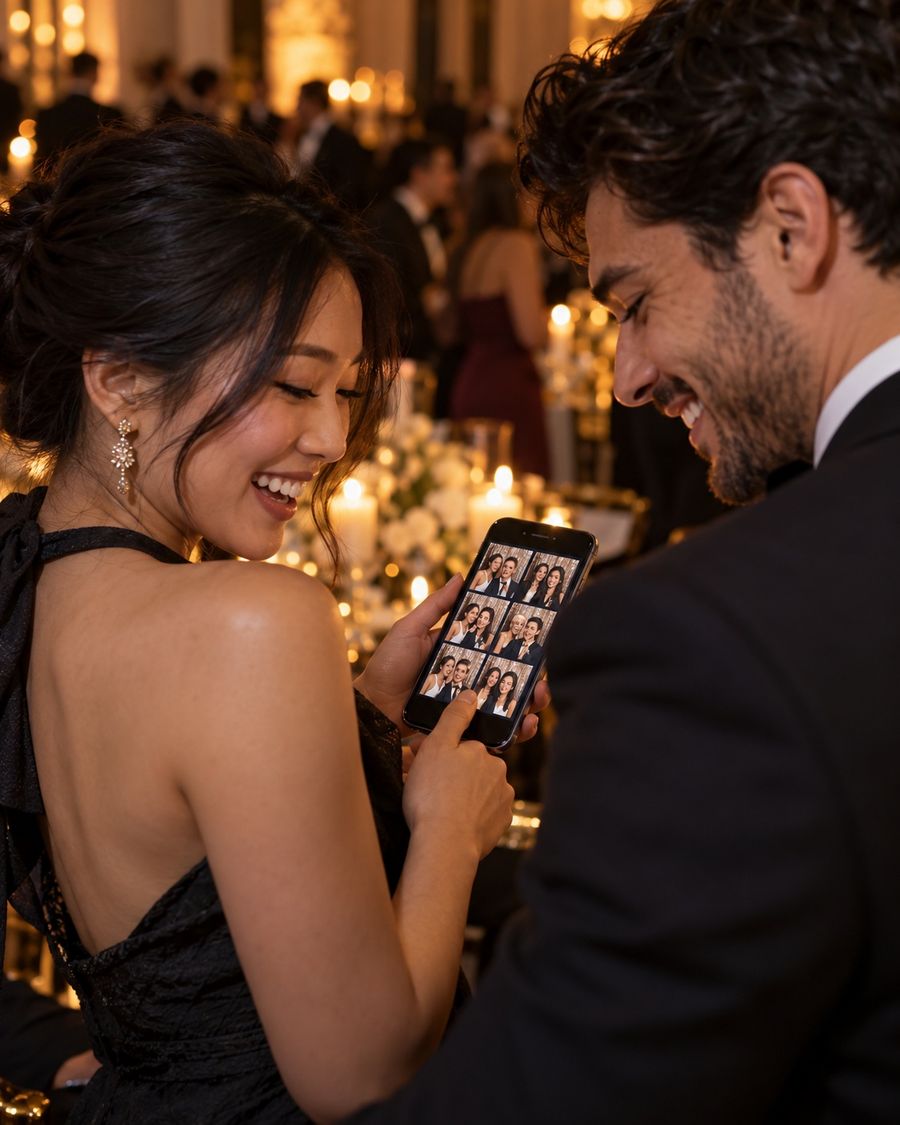
BoothKits Booth runs photo strips, GIFs, video, AI portraits and live online galleries from one Windows app. Two booths, every feature, from $14.99 a month.
When you subscribe, use the same email as your BoothKits Booth license, then tap Refresh under Operator → Account.
Optional add-on
Premium template packs
The 98 built-in themes cover most events. For a showpiece night, add a premium pack: 3D animated screens in portrait and landscape, six print layouts and share frames, all made to match. Your plan's Template Studio puts the names and date on every file.
Yes. Download the app, enter your email, and you get 14 days with every feature on up to 2 booths. No card needed. Subscribe any time from the app or this page.
What do I need to run it?
A Windows 10 or 11 computer and a camera. Any USB webcam works, and Canon or Nikon DSLRs work through the free digiCamControl app. Anything that prints from Windows will print. Galleries, sharing and AI need internet, but the booth itself keeps working offline.
Can I use an iPad, Android tablet or Mac?
Yes. The web booth runs in the browser on tablets and Macs with the same license. The Windows app adds DSLR control, direct printing and the Wi-Fi remote.
Windows says "Windows protected your PC". Is that normal?
Yes. BoothKits Booth is new, so Windows SmartScreen may not recognise it yet. Click More info, then Run anyway. You'll only see this when installing.
Do I need to buy templates?
No. 98 event themes come with every plan. Premium template packs are an optional add-on for events that need a showpiece look.
Do AI portraits cost extra?
No. AI portraits and cartoon mode are included in every plan.
Can I put my own brand on the galleries?
Yes. Add your business name, logo and colour, and hide the "powered by" line, from the online dashboard.
Can I cancel any time?
Yes. Cancel whenever you like from the subscription page (sign in with the email you paid with) and keep access until the end of the period you've paid for. See the refund policy.
What happens to my guests' photos and details?
They're stored for you, the operator, and never sold. You can hide photos from your dashboard at any time. See the privacy policy.
Your next event deserves a better booth.
Download BoothKits Booth and try every feature free for 14 days.


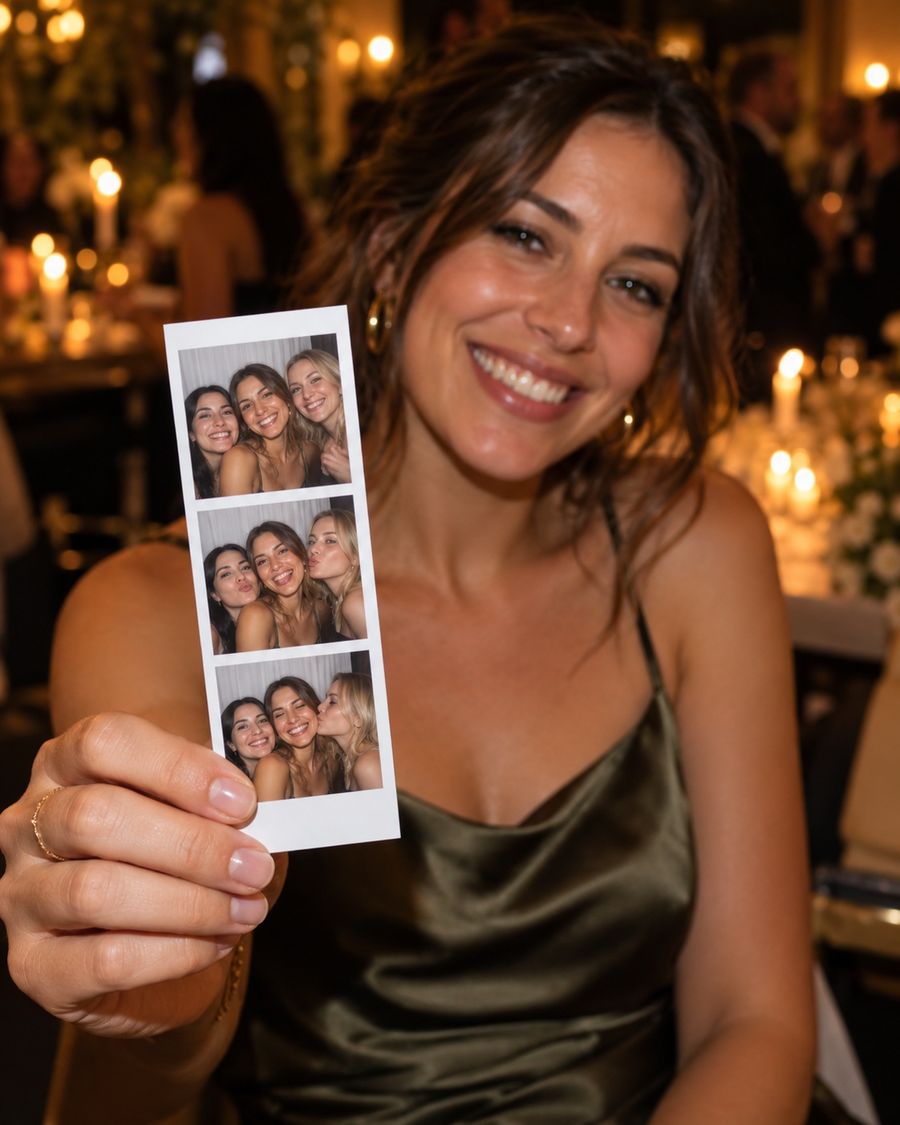
 Original
 Renaissance